Take your photo
Use a clear, front-facing photo so your features are easy to see.
Get to know your strongest features and what to work on next. Then follow a routine customised to you, with clear steps for your skin, facial features and physique.
 FaceScanExample
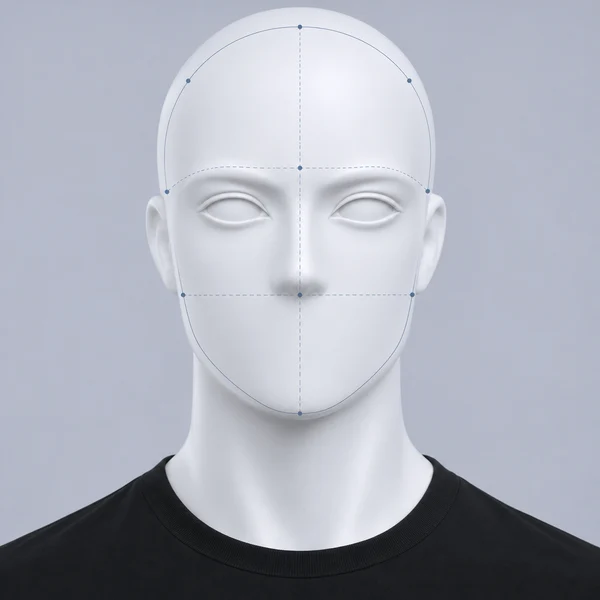 Example scan
Your tasks, in one place.
Follow your skin, training and physique over time.
App preview with a fictional, AI-generated face.
Three steps from your first photo to a daily plan.
Use a clear, front-facing photo so your features are easy to see.
Explore six facial areas, your strengths and the areas you can work on.
Add relevant tasks to your routine and keep track of what you do.
Keep your skincare, workouts and facial exercises in one checklist. Add your own tasks, choose your training plan and make the routine fit your day.
0 of 3 tasks complete
Use the tools that help with your goals. They’re all part of FaceScan.
Learn what to use for your skin and how to organise your training, food and recovery.
Clear lessons. Practical steps.Keep your skincare products, workout logs, weight, waist measurements and progress photos together.
See what changes over time.Try different haircuts on your saved scan photo before deciding what to ask your barber for.
Compare styles on your own photo.Get answers about your scans, routine and progress, with your saved data when Personalisation is on.
Answers that relate to you.The same FaceScan features. Choose weekly or monthly.
A$5/ week
Billed weekly in Australian dollars.
A$15/ month
Billed monthly in Australian dollars.
Need something else? Ask FaceScan.
Your report covers six facial areas, alongside scores, strengths, weaknesses and suggested next steps. You can return to your saved reports and compare scans over time.
Yes. You can add your own tasks, edit your routine and choose a training plan. Your saved tasks and completed progress stay in your account.
No. FaceScan includes both home and gym training plans, with exercises, sets and reps. You can choose the plan that fits your equipment.
Choose a saved scan photo and a haircut to generate an AI preview. It helps you compare styles on your face. Your real haircut can look different depending on your hair and how it’s cut and styled.
When Personalisation is on, FaceScan AI can use relevant saved scans, routine and progress data. Photo access depends on your photo-sharing setting. You can manage these controls inside the app.
You can use up to 8 FaceScan AI replies in a rolling 24-hour period and 7 haircut previews in a rolling seven-day period. Each allowance becomes available again as earlier use falls outside its window.
Use Help & feedback inside FaceScan, or email facescansupport@gmail.com. You can report a problem, ask a question or share an idea.
You’ll get a reply directly from FaceScan.